
One entry point carried the launch.
About 65% of traffic came through a single navigation placement. The pages did their job once people arrived, but reach leaned on one door; more ways in would make the next launch less dependent on it.


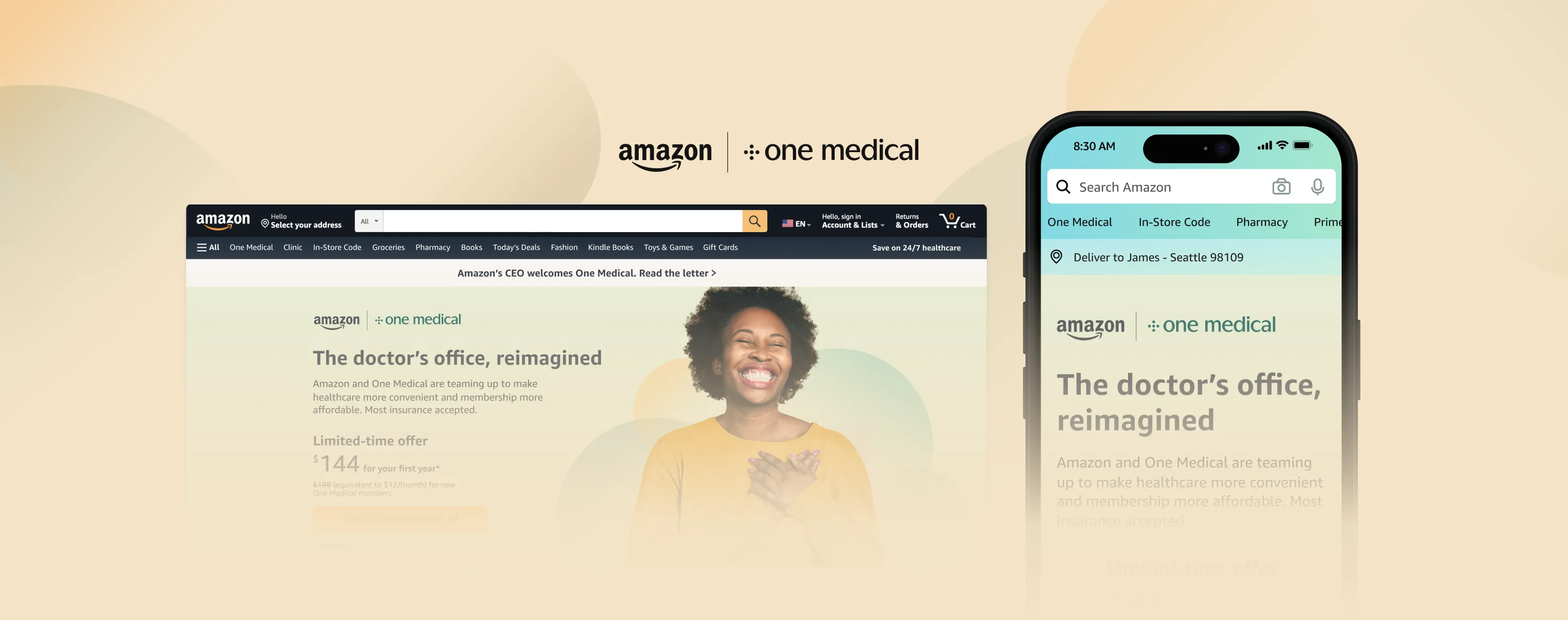
The complex nature of the U.S. healthcare system, including the reliance on private insurance, has led to gaps in coverage and barriers to access for many individuals. Having to navigate the system for adequate, high-quality, and affordable medical services is challenging and usually occurs at the worst of times.
November 2022 – February 2023 (4 months)
Lead Sr. UX Designer
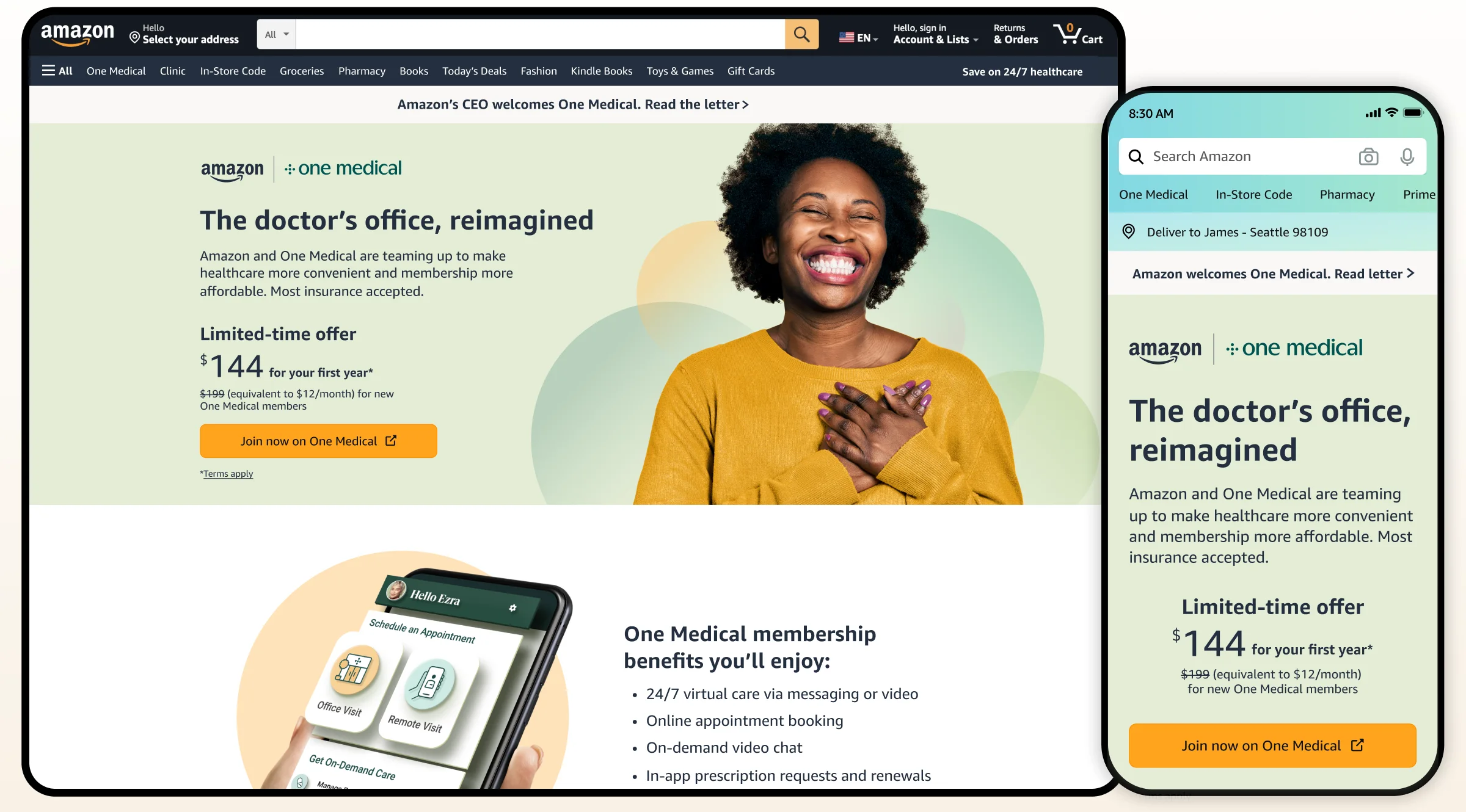
Bringing One Medical into Amazon with pages built around the questions new members ask first, signing up 10,136 members in the first 30 days.
Discovery
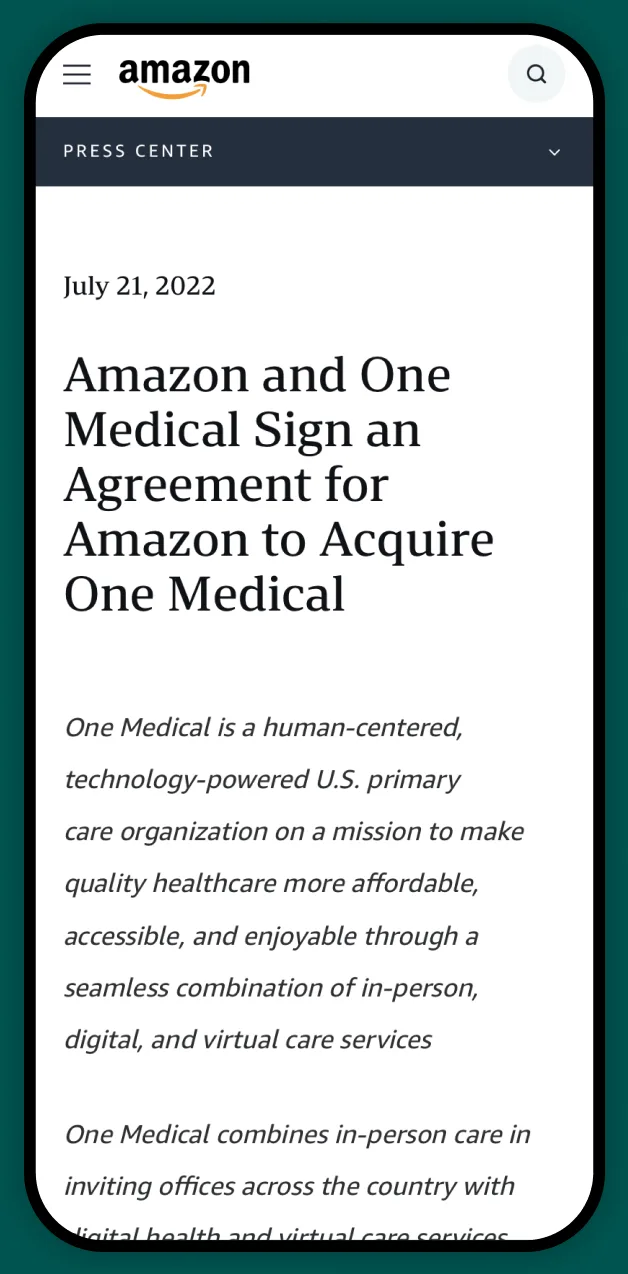
In July 2022, Amazon announced the acquisition of One Medical. This strategic move aims to connect more people to high-quality health services, marking the first phase of a long-term goal to address the issues of accessible and affordable healthcare.
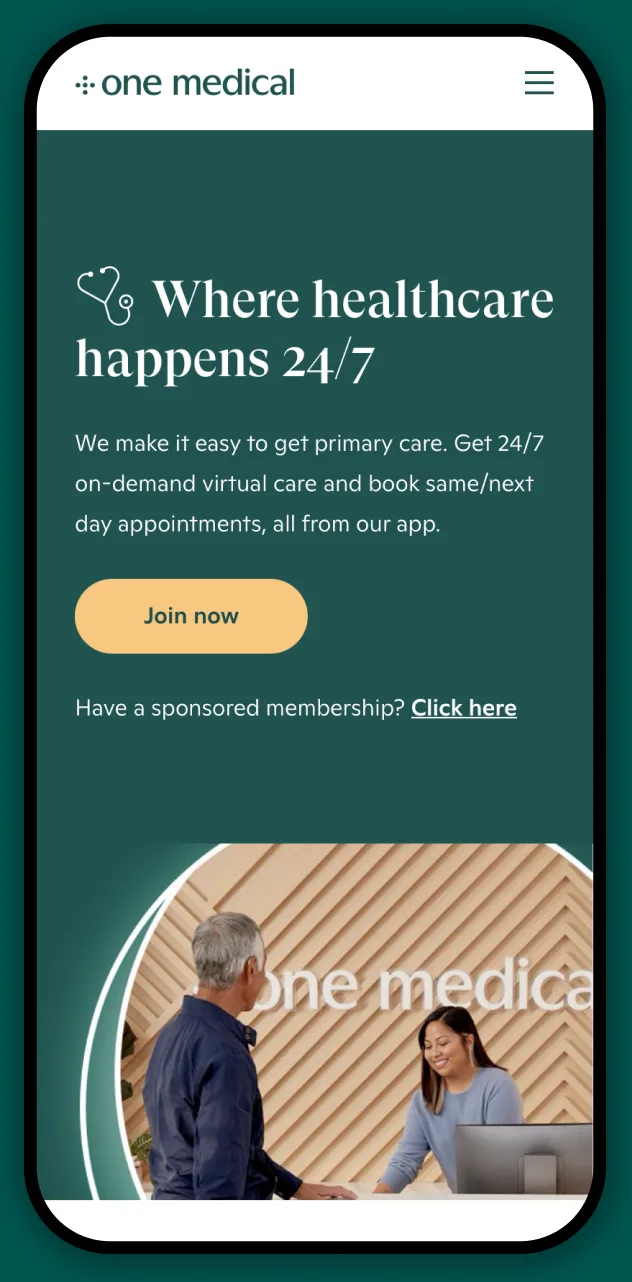
Through years of listening to the concerns of potential members, One Medical identified key questions individuals often have when considering enrollment. These questions formed the basis for the solution I crafted on Amazon.
Research
To understand the market landscape and competitive dynamics, I found similar experiences related to memberships / Amazon. Then I audited the content to discover if there were any commonalities of what information was displayed and how it was presented.
To improve efficiency, incorporate diverse perspectives, and foster alignment within the group, I facilitated a team content mapping workshop of the market research. Participants included Product Managers, Software Engineers, Designers, Copywriters, and Legal stakeholders.
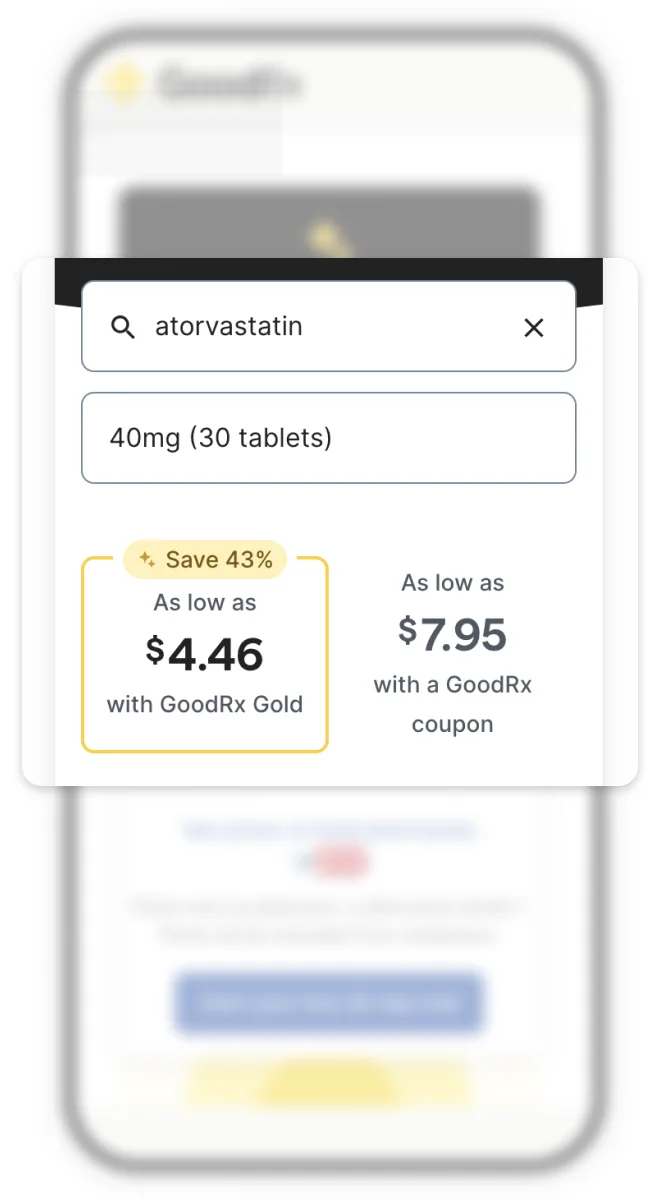
Let people try the benefit before they read about it.
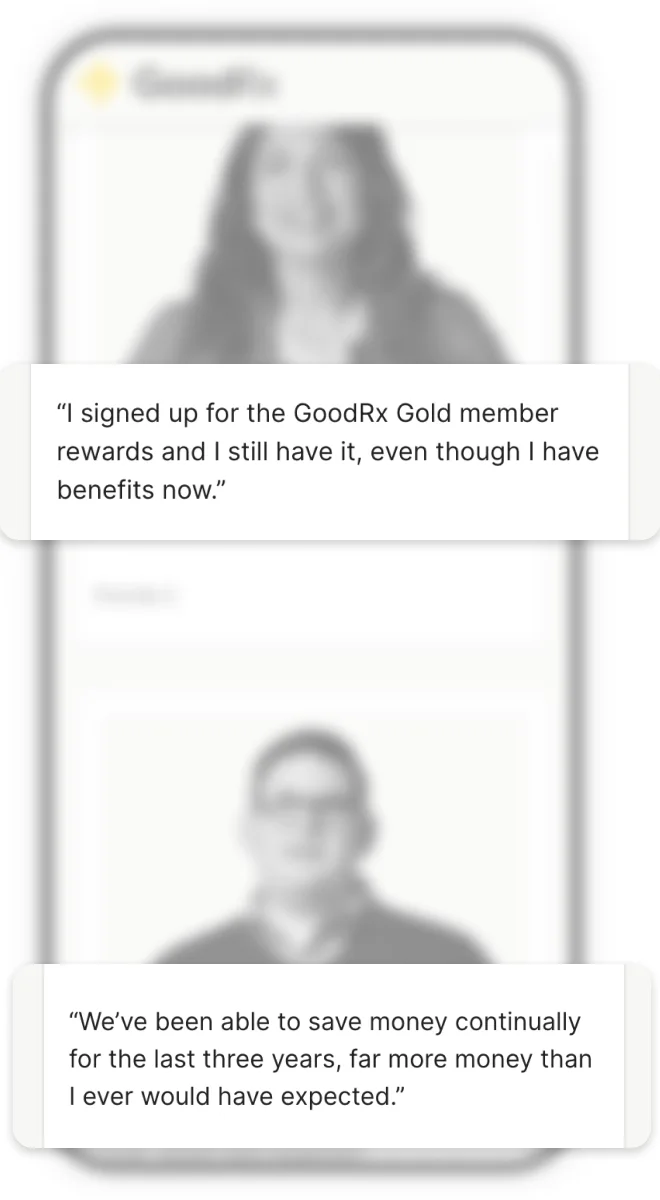
Real members carry more weight than a feature list.
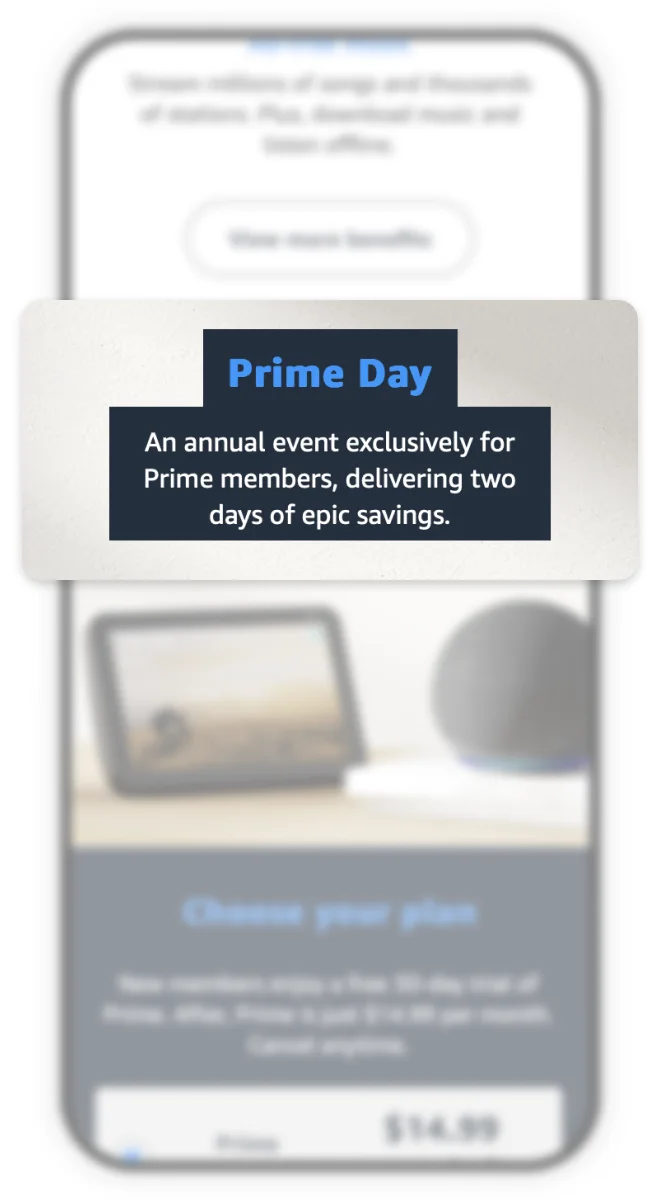
Exclusivity gives the membership a reason to exist.
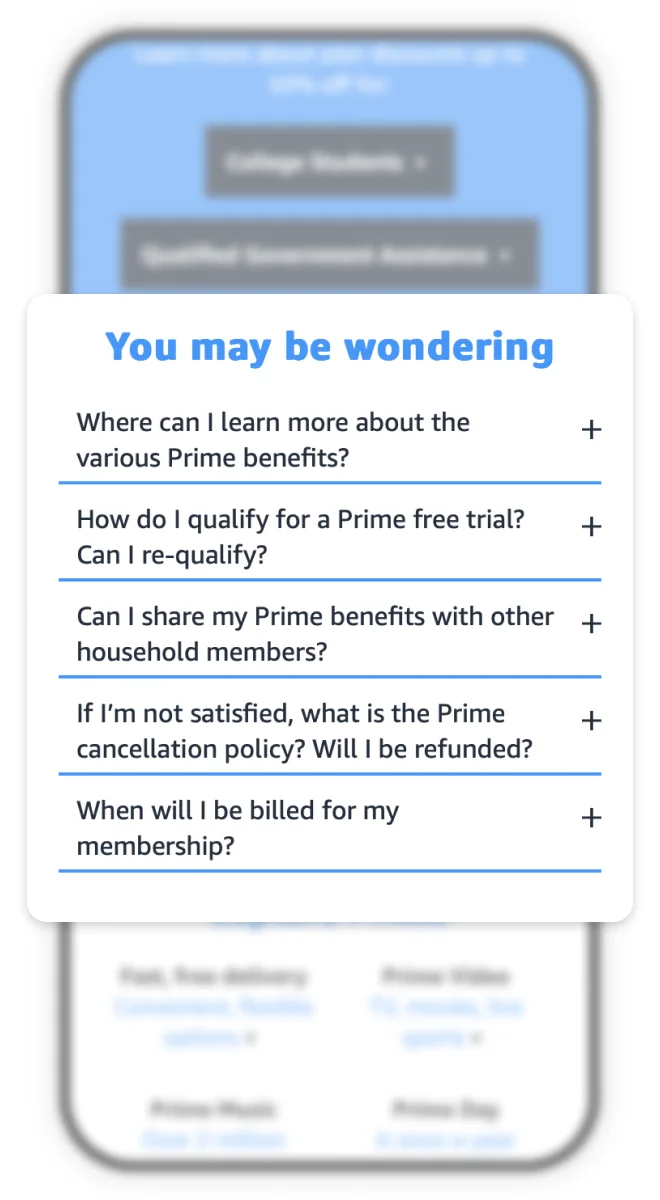
Answer the objections on the page, not in a help centre.
Ideation
I started the process with low-fidelity wireframes for the overall user experience, aiming to understand how individuals might anticipate discovering, evaluating, and joining One Medical on Amazon. My goal was to identify natural integration points for seamlessly and frictionlessly enhancing awareness and the enrollment path.
A challenge I faced was trying to find the appropriate balance of the Amazon and One Medical brands. Collaborating with a Visual Designer and Copywriter, I explored various degrees of each brand resulting in defining a color palette, type treatment, logo lockup, and design guidelines for the experience.
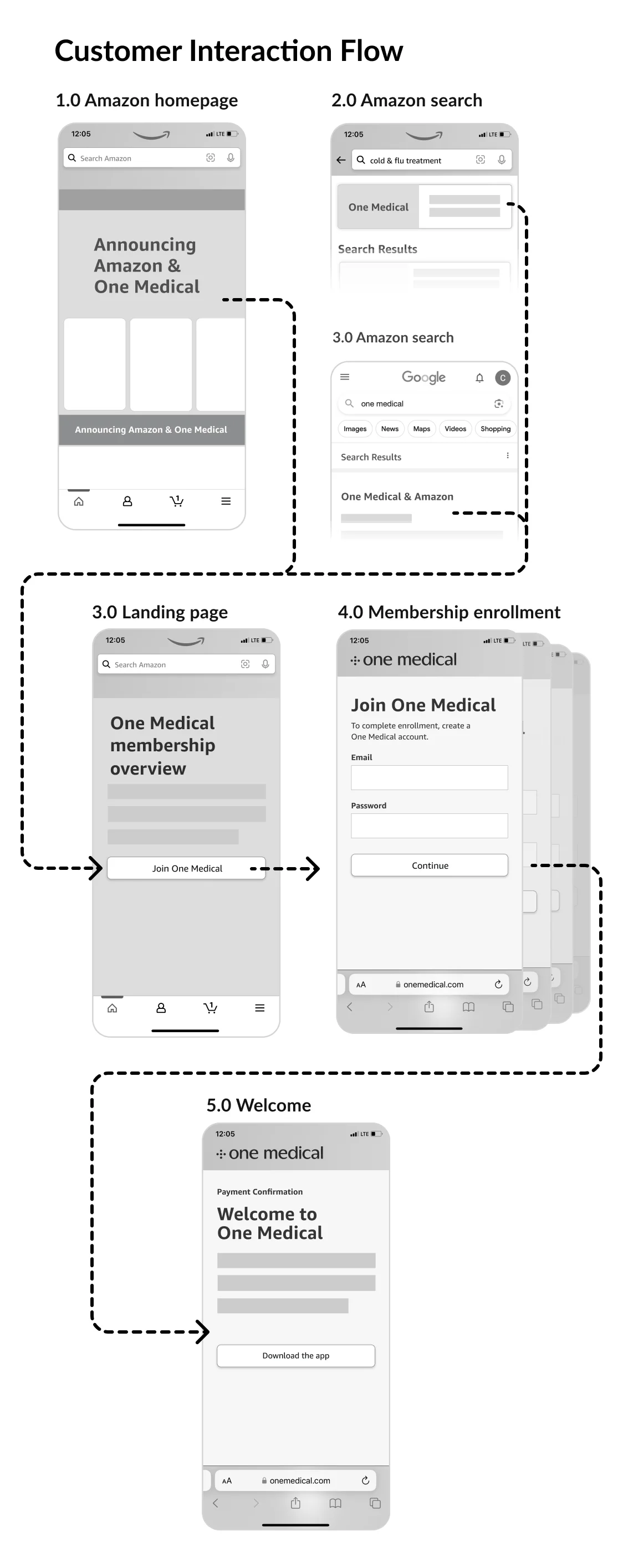
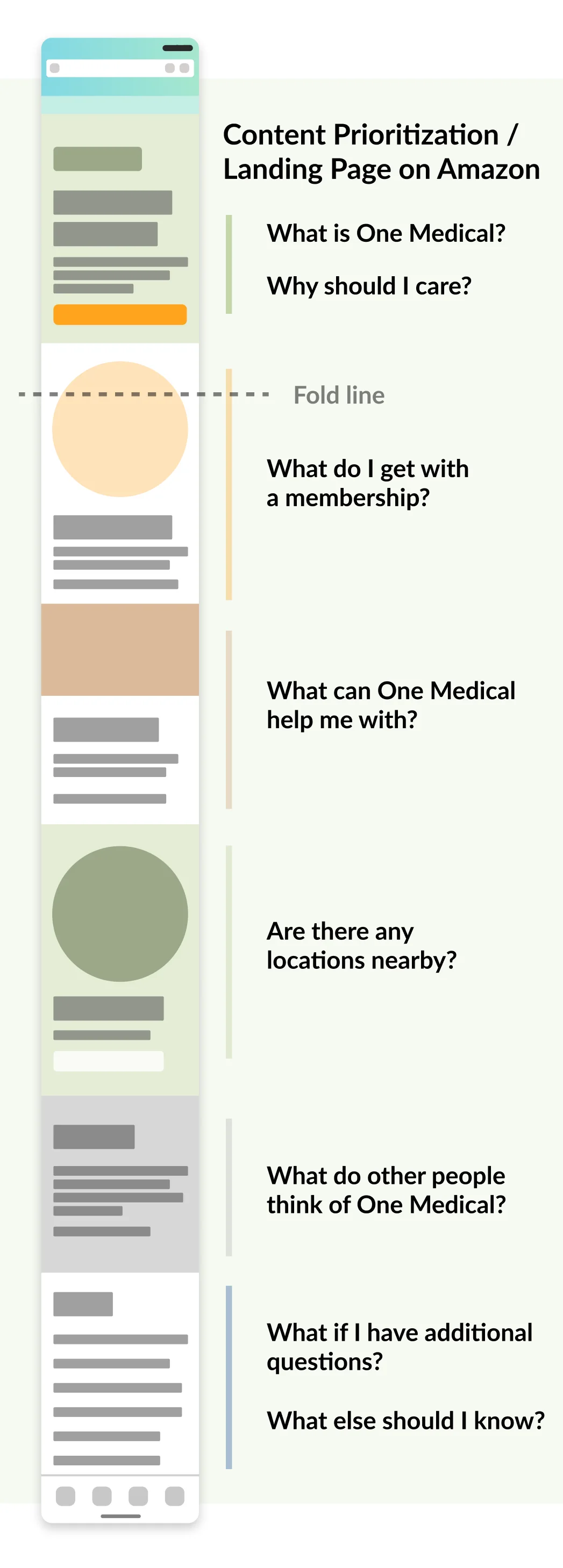
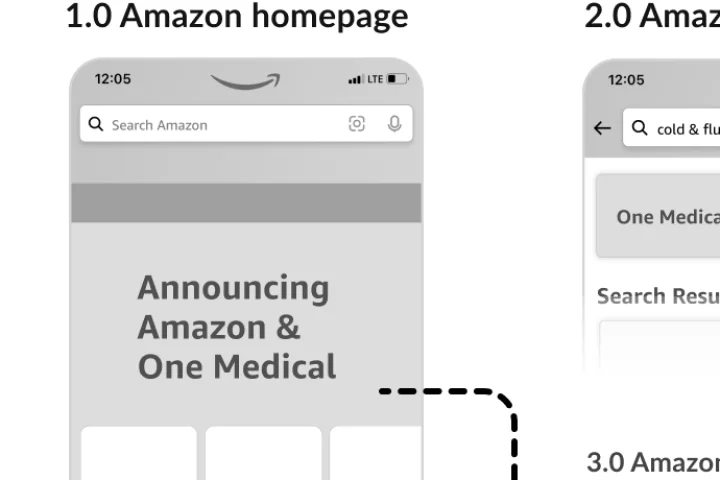
I started the process with low-fidelity wireframes for the overall user experience, aiming to understand how individuals might anticipate discovering, evaluating, and joining One Medical on Amazon. My goal was to identify natural integration points for seamlessly and frictionlessly enhancing awareness and the enrollment path.
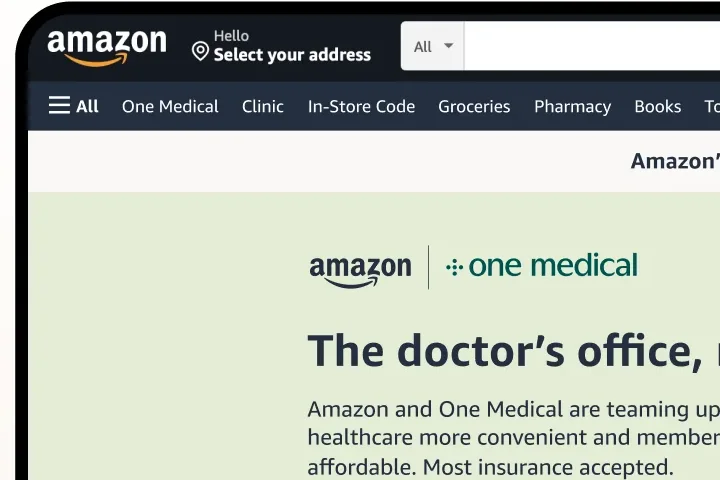
I also wanted to create the right level of awareness on Amazon of the One Medical membership. After mapping out the 'discovery phase' of the user flow, it became clear a landing page for these experiences to navigate to would be ideal.
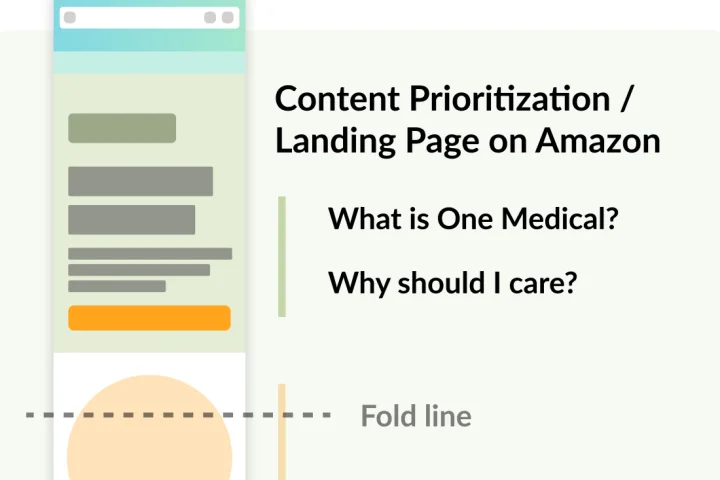
Utilizing the findings from the team content mapping brainstorm and the top new membership considerations, I drafted a recommendation of the landing page content.
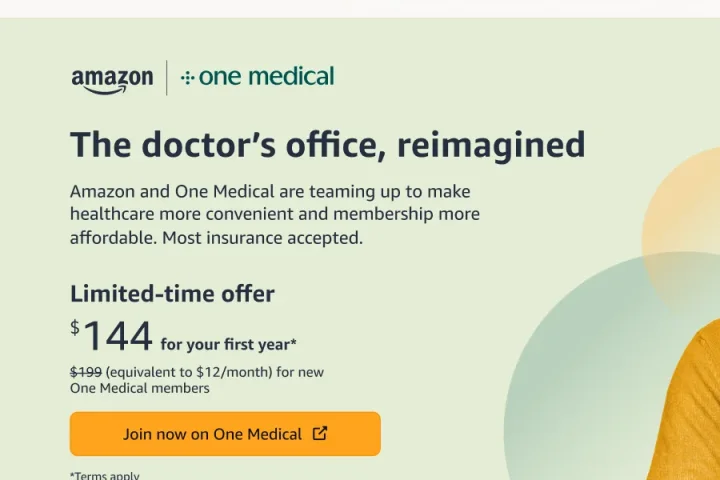
I shared and iterated on both the wireframe flows and landing page content map with stakeholders of the project including Project Management, Software Engineers, Design Leadership, Brand Designer, Brand Copywriter, and Legal.
Solution
Five decisions the earlier sections set up — tap a marker.
Outcome
Learnings
About 65% of traffic came through a single navigation placement. The pages did their job once people arrived, but reach leaned on one door; more ways in would make the next launch less dependent on it.
Members who lived far from a One Medical office cancelled far more often than the rest. The pages sold the membership well, and should have made it clearer, up front, where in-person care was available.
Iterating quickly as the strategy moved was what the launch needed, but late changes created QA churn. Next time I’d bring partner teams in earlier and settle the core experience before launch week, keeping late flexibility for marketing assets.
 Next project
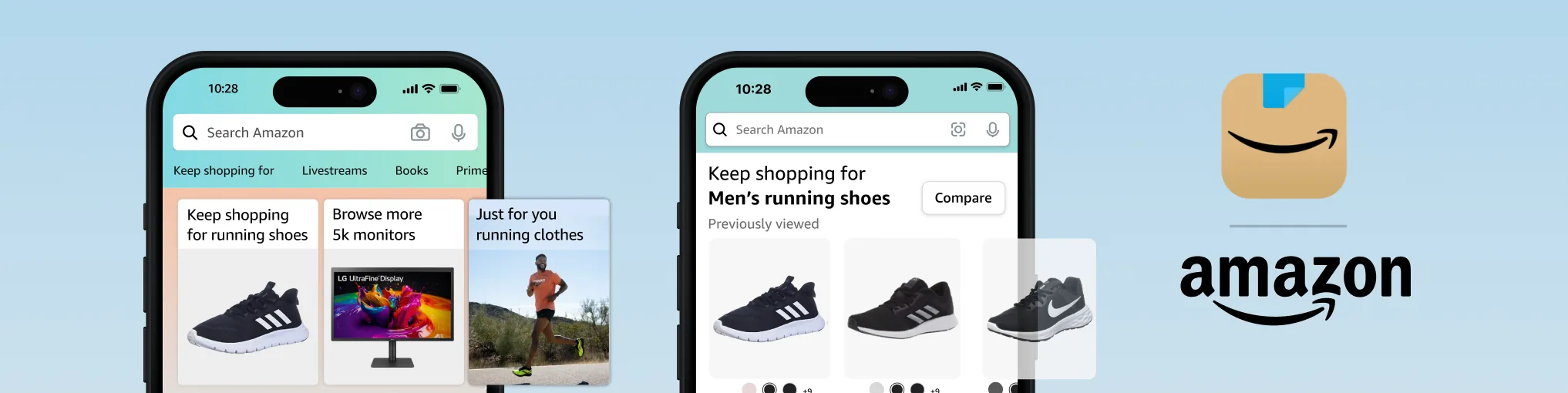
Personalizing Amazon
Next project
Personalizing Amazon
This is a unique website which will require a more modern browser to work!
Please upgrade today!